
Triwize Flights
Home/Blogs/Top Digital Nomad Tools for Working Travelers
Top Digital Nomad Tools for Working Travelers
Smart/Assisted Travel

Top Digital Nomad Tools for Working Travelers

By Editorial Team
July 17, 202610 min read

The moment a digital nomad setup is tested is rarely the pretty part of travel. It is the airport chair at 6:40 a.m., the laptop at 19%, the client call in 37 minutes, and the gate agent announcing a delay while your hotspot refuses to connect.

That is when you learn whether your tool stack is useful or just a tidy collection of apps.

At Triwize, we think about working travel as a coordination problem. Freedom is real. But it only works when the boring parts are handled well: internet, files, passwords, calendars, money, documents, and enough buffer to recover when plans shift.

That is the useful lens for digital nomad tools. Not what looks impressive. What holds up when movement interrupts work.

A digital nomad setup is not the number of apps you use. It is how well your work holds up when travel interrupts it.


Why the best digital nomad tools solve boring problems

Digital Nomad Tools

The phrase digital nomad still gets treated like a lifestyle label. For most people who work while traveling, it is much more practical than that. It means doing normal work while your environment keeps changing.

The audience is not small anymore. MBO Partners reported that 18.5 million American workers described themselves as digital nomads in its 2025 research, a 153% increase from 2019. Pew Research Center also found that among US employed adults with jobs that can be done from home, 75% work remotely at least some of the time.

Those numbers do not mean everyone is working from Bali or Lisbon. They mean more people are doing serious work away from a fixed office. Some are freelancers. Some are startup operators. Some are employees who stretch a business trip into a working week.

The best digital nomad tools 2026 will not be the flashiest ones. They will be the ones that reduce dropped balls. A missed invoice, an inaccessible file, a wrong time zone, or a weak connection can cost more than any subscription fee.

The work-travel stack should start before the flight

Stacking for Travel

A lot of working travelers build their tool stack backward. They download productivity apps after the trip gets chaotic. The better move is to decide what has to be true before you leave.

Can you access key files offline? Do you know where your next call will happen? Is your phone unlocked for an eSIM? Are your travel documents stored somewhere safe? Did you pack the small cables and adapters that keep the workday alive?

This is where a simple pre-trip routine helps. If you are preparing for a longer work trip, even a basic guide to what to pack before a long work trip can prevent a surprising amount of friction. Your work setup is part of your luggage now.

A practical stack should cover eight jobs: tasks, communication, files, security, AI support, money, connectivity, and travel coordination. You do not need ten apps in every category. You need a small system you will actually use when tired.

A simple digital nomad tool stack map

Work problemTool layerWhat to check before travel
Losing track of prioritiesTask manager and notesToday list, weekly deadlines, offline checklist
Meetings going wrongCalendar, chat, video, async updatesTime zone, headset, bandwidth, meeting buffers
Files trapped on one deviceCloud storageOffline access for key docs and IDs
Public Wi-Fi riskPassword manager, MFA, VPNClient policies, account security, device lock
Messy travel detailsTravel planner, airline apps, mapsFlight times, documents, check-in, airport transfer
Unclear spendingBudgeting, banking, invoice toolsReceipts, currency fees, billable expenses

Productivity tools are only useful if they survive travel days

Digital nomad productivity tools

Digital nomad productivity tools should answer three questions quickly: what must I do today, what can wait, and what did I promise someone else? If a tool cannot help with those three, it may be attractive, but it is not doing much work.

For most travelers, a simple combination is enough: one task manager, one notes space, and one project view. Notion can work well for dashboards and knowledge bases. Todoist is strong for clean personal task lists. Trello, Asana, and ClickUp can help when work moves through stages or involves a team.

The mistake is spreading commitments across too many places. A client follow-up in email, a deliverable in Slack, a reminder in Apple Notes, and a deadline in a project board is not a system. It is a scavenger hunt.

Before a travel day, create one offline list. Put the must-do tasks, meeting links, file names, addresses, and backup plans there. Airports are not the place to reconstruct your week from memory.

Communication tools need a ritual, not a bigger subscription

Google Meet

Meetings expose weak travel planning fast. A beautiful cafe does not matter if the espresso machine is louder than your microphone. A hotel desk does not help if the Wi-Fi drops every seven minutes.

Most teams already have a communication stack: Slack, Microsoft Teams, Zoom, Google Meet, or some mix of them. The bigger difference is the ritual around those tools.

Join five minutes early when using a new network. Keep a reliable headset in your bag. Put your current time zone in your calendar profile or Slack status when you move cities. Use Loom or another screen-recording tool when async context is clearer than forcing one more meeting.

This sounds basic because it is. But basic is what keeps you looking reliable from a different city.

Files and security are the unglamorous part of being reliable

Secured VPN

Cloud storage is boring until it saves you. Google Drive, Dropbox, OneDrive, and iCloud Drive all solve the same practical problem: your work should not depend on one laptop in one location.

Before travel days, download the documents you may need offline. That includes tickets, contracts, client briefs, invoice templates, slide decks, ID scans, and anything required for a call or deadline.

Security deserves the same seriousness. A password manager such as 1Password or Bitwarden helps you avoid reused passwords. Multi-factor authentication should be on for email, banking, client systems, cloud storage, and social accounts. A reputable VPN can add protection on public networks, though it does not make unsafe behavior safe.

Also check client rules. Some companies have strict policies on personal devices, VPNs, AI tools, and where work files can be stored. A digital nomad setup is only good if it does not create compliance problems.

Digital nomad tools and AI: useful, but not magic

ChatGPT

AI has become part of the work stack, not a novelty tab. McKinsey's 2025 global AI survey found that 88% of organizations report regular AI use in at least one business function, although most have not scaled it deeply.

For working travelers, digital nomad AI tools 2026 are most helpful with friction-heavy knowledge work: turning rough notes into outlines, summarizing long documents, drafting replies, comparing options, brainstorming angles, or creating checklists from messy plans.

Common tools include ChatGPT, Claude, Gemini, Perplexity, and Microsoft Copilot. Each fits different workflows. Perplexity can be useful for source-led research. ChatGPT and Claude are often helpful for drafting and structuring. Gemini and Copilot may fit better for people already deep inside Google Workspace or Microsoft 365.

The caution is simple: AI can sound confident when it is wrong. Do not use it as the final source for visa rules, safety advice, local laws, medical guidance, or anything involving sensitive client data. Use it to speed up thinking, then verify the parts that matter.

AI is most useful when it removes friction, not when it pretends to remove responsibility.

Monetization tools are about consistency, not passive income fantasies

Monetization Tools

Searches around ai tools for digital nomad monetization 2025 often sound like people are looking for a shortcut. I get the temptation. If you are moving between cities, anything that promises income without friction sounds appealing.

But earning while traveling usually comes from boring consistency: sending proposals, delivering on time, packaging ideas clearly, invoicing properly, and following up without losing context.

AI can help with that loop. It can turn a client call into a proposal outline, repurpose a newsletter into social posts, summarize industry research, or draft outreach messages that you then edit. Tools like Canva, Google Docs, Notion, Stripe, PayPal, QuickBooks, Wave, and Calendly can support the commercial side, depending on what you sell.

The human part still matters most. Clients do not pay for prompts. They pay for taste, reliability, problem-solving, and the relief of knowing someone will finish the work.

Money and connectivity deserve more attention than they usually get

Wifi in Mountains

Money gets messy on the road because every expense feels small. One rideshare. One SIM top-up. One coworking day pass. One cafe bill. Then the month ends and the numbers are harder to explain.

Tools such as Wise, Revolut, Expensify, QuickBooks, Wave, and even a clean spreadsheet can help you track currency fees, receipts, invoices, reimbursements, and billable costs.

This is not only about spending less. Often, good budget travel planning means knowing where to spend more: a quieter room, better Wi-Fi, a flexible flight, or a coworking pass before an important call.

Connectivity is the other category that deserves respect. eSIM providers such as Airalo, Nomad, and Holafly, local SIMs, Google Fi, portable hotspots, hotel Wi-Fi checks, and coworking spaces all exist for one reason: work expects you to be online even when travel does not cooperate.

Check whether your phone is unlocked before relying on an eSIM. Buy data before landing if you need maps or rideshare access. Test the exact place where you plan to take a high-stakes call. Have one backup before you need it.

The travel layer is where most tool stacks get messy

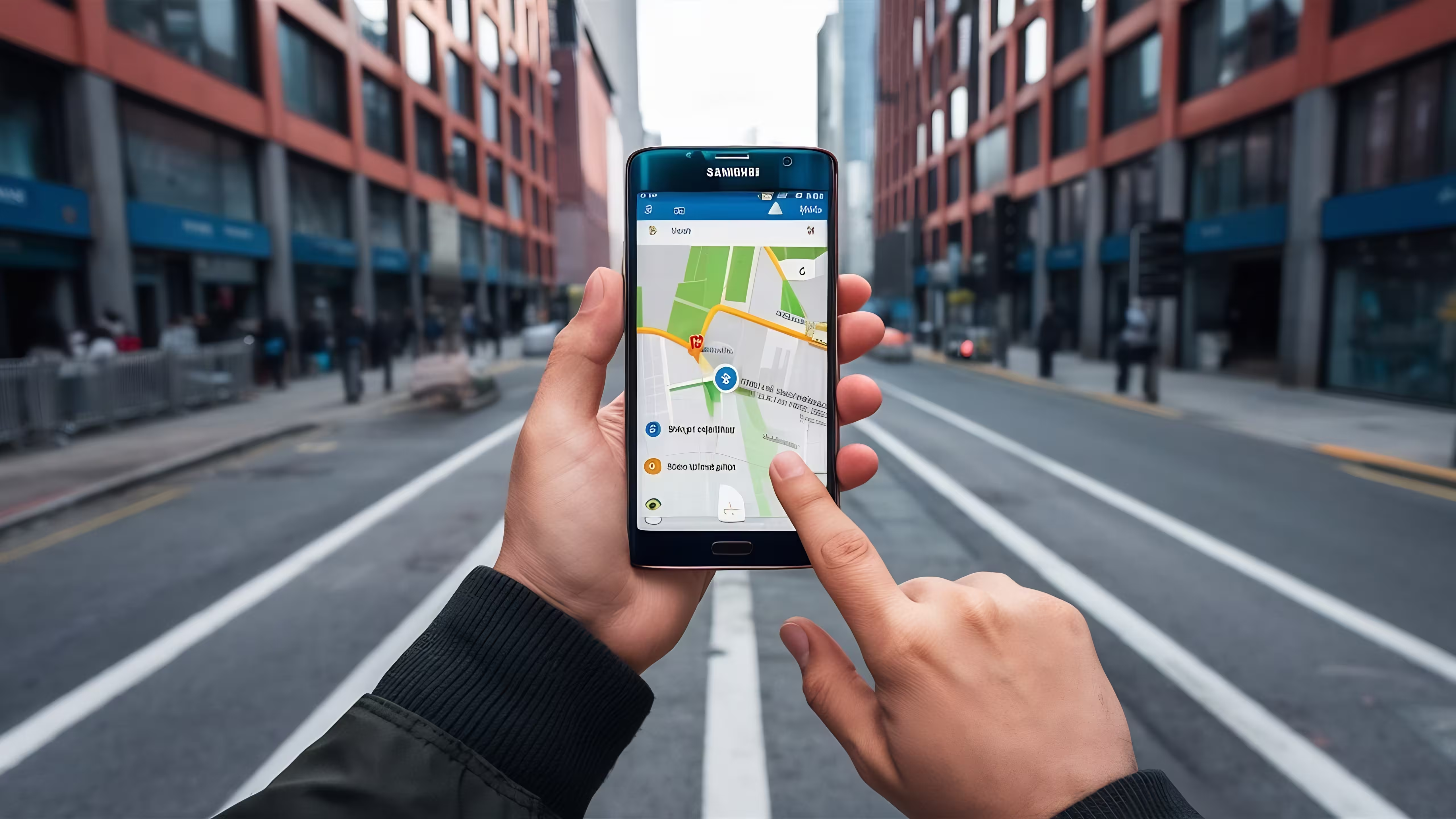
Google Map

A working traveler has two calendars: the work calendar and the movement calendar. Trouble starts when they do not talk to each other.

Flight times, check-in windows, hotel arrival, passport details, visa notes, baggage rules, client calls, and airport transfers all compete for attention. If those details live across email, screenshots, chats, sticky notes, and memory, something will eventually slip.

Google Calendar, TripIt, Apple Wallet, airline apps, Maps, and reminder apps can all help. The exact tool matters less than giving every travel detail a home.

This is also where a support layer can help. Triwize fits into that role for travelers who want planning support, reminders, travel coordination, document checks, and smoother trip management without turning every trip into a self-managed operations project.

That is not meant to replace your work tools. It is meant to reduce the travel noise around them.

A simple way to choose the right stack

Before adding another app, ask four questions. Does it replace a weaker tool? Does it remove a repeated task? Does it reduce risk? Does it help me earn or protect revenue?

If the answer is no, skip it for now. Most working travelers do not need more software. They need fewer places to check.

Employees should prioritize security, calendar discipline, async communication, and policy compliance. Freelancers should prioritize proposals, invoices, client files, scheduling, and follow-ups. Creators should prioritize capture, editing, publishing, analytics, and repurposing. Startup operators should prioritize collaboration, decision logs, CRM notes, and fast document access.

The right digital nomad tools are the ones that still work when your day stops being ideal.

The common mistakes are easy to avoid

Common Mistakes to Avoid

The most common mistake is using too many tools because each one looks useful in isolation. A notes app, task app, project app, calendar app, booking app, AI app, and finance app can work together. They can also become seven places to forget something.

Another mistake is ignoring offline access. The file you need most is usually the one you forgot to download before boarding. The same goes for meeting links, boarding passes, ID scans, and addresses.

People also over-trust cafes. A cafe may be fine for writing and terrible for calls. If a meeting matters, choose the place for the meeting, not for the vibe.

And finally, do not let automation make you careless. AI drafts still need review. Calendar tools still need buffers. Travel apps still need accurate inputs. The best stack supports judgment. It does not remove the need for it.

Final thought

Working while traveling is not effortless. It is flexible, and flexibility has a maintenance cost.

The point of a digital nomad stack is not to make you look organized. It is to give your future self fewer problems to solve while tired, late, offline, or between places.

Start with the unglamorous basics: tasks, calendar, files, security, money, internet, and travel coordination. Add AI where it genuinely saves effort. Keep the stack small enough that you will actually use it.

The next time you are tempted to download another tool, ask a simpler question: what part of my next travel day could break, and what would make it easier to recover?

Related Blogs