Triwize Flights
Home/Blogs/Where Is My Citation Number on My Ticket? Understanding Flight Confirmation, PNR, and E-Ticket Numbers
Where Is My Citation Number on My Ticket? Understanding Flight Confirmation, PNR, and E-Ticket Numbers
Flights & Airlines

Where Is My Citation Number on My Ticket? Understanding Flight Confirmation, PNR, and E-Ticket Numbers

By Editorial Team
June 29, 2026undefined min read

You booked a flight online. The email arrived. Maybe there is a PDF attached, maybe the airline app shows a trip card, maybe the booking platform sent a receipt. Now you need one specific number, but you are staring at several codes and wondering: where is my citation number on my ticket?

For flight bookings, “citation number” is usually not the standard airline term. Most travelers who ask this are actually looking for a confirmation number, ticket number, e-ticket number, PNR, booking reference, or airline record locator.

That does not mean you are wrong. Travel documents are crowded with codes, and airlines, travel agencies, and booking platforms do not always use the same wording. This guide will help you find the right number without turning a simple booking into a support maze.

Key Takeaways

  • • Airlines usually do not label flight identifiers as a “citation number.”
  • • You probably need your confirmation number, booking reference, PNR, record locator, ticket number, or e-ticket number.
  • • A confirmation number or record locator helps you find and manage the reservation.
  • • A ticket number or e-ticket number proves the ticket was issued and is often used for refunds, exchanges, and receipts.
  • • If the number is missing, check the email, PDF receipt, airline app, booking account, spam folder, and payment status.
  • • For international flights, schedule changes, cancellations, and urgent travel, post-booking human support can matter as much as price.


Where Is My Citation Number on My Ticket?

Where is Citation Number

If this is a flight ticket, you may not see anything called a “citation number.” Look for these labels instead:

  • • Confirmation number
  • • Booking reference
  • • PNR
  • • Record locator
  • • Ticket number
  • • E-ticket number
  • • Itinerary number or trip ID

For most tasks, the confirmation number, PNR, or record locator is the fastest way to pull up your trip. For refunds, exchanges, or proof of ticketing, the ticket number or e-ticket number may matter more.

What Does “Citation Number” Mean on a Ticket?

Meaning of Citation Number

In the US, “citation number” often refers to a traffic citation, parking ticket, or legal notice. That is different from an airline ticket. If your question is about a flight, the phrase is probably an informal way of asking for the booking number printed on your travel document.

On a flight ticket, the key numbers usually identify either your reservation or your issued ticket. A reservation holds your name, route, dates, and itinerary. A ticket number shows that the airline has issued the ticket for travel.

This distinction matters because a booking can exist before ticketing is fully complete. In normal online bookings, ticketing is quick. But payment issues, manual review, codeshares, or multi-airline itineraries can delay or complicate what appears in your email.

Why Airlines May Not Use the Term “Citation Number”

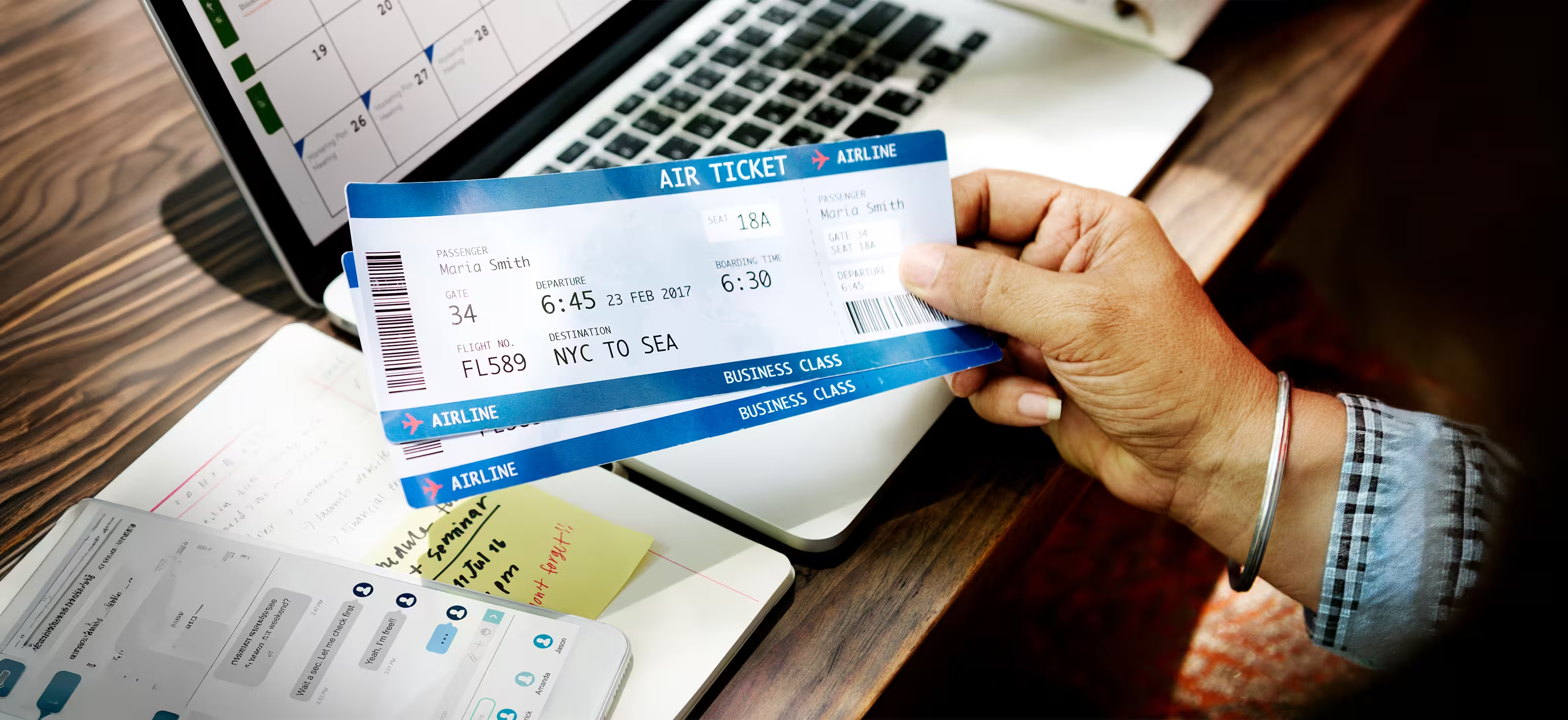
Airline Ticket

Airline systems have their own vocabulary. A traveler may say “ticket code” or “citation number,” while the airline says “record locator,” “confirmation code,” or “e-ticket number.” A booking platform may call it a “trip ID” or “itinerary number.”

So do not search only for “citation.” Search your email and PDF for the words airlines actually use. You will usually find the right number faster.

Different Flight Booking Numbers and What They Mean

Flight Booking Number

Numbers can get very confusing very fast. Refer to the table to know what they are called, what’s the purpose, and what else they can be referred with:

Number or CodeAlso CalledWhat it is Used forWhat it may Look like
Confirmation numberBooking reference, confirmation codeFinding the reservation, managing the trip, checking in, or speaking with support.Short mix of letters and numbers. Format varies.
PNRPassenger Name RecordThe reservation record in an airline or travel booking system.Often 5-6 characters, but formats vary.
Record locatorAirline record locator, confirmation codeThe airline-specific code used to find your reservation.Usually a short alphanumeric code.
Ticket numberE-ticket numberProof that the ticket was issued. Often used for refunds, exchanges, receipts, and support.Usually 13 digits for many airlines.
Itinerary numberTrip ID, platform referenceA booking platform’s internal reference for your order or trip.Can be a longer reference ID.
Flight numberOperating flight codeIdentifies the flight itself, not your personal booking.Airline code plus number, such as DL123 or UA456.

A useful pattern: one code usually finds the reservation, while another number confirms ticketing. Major airlines may label these differently, but this basic split is common.

Where to Find the Number on Your Flight Ticket or Confirmation Email

Where to Find

Your confirmation email is usually the best place to start. Look near the top of the message, close to the passenger name, route, dates, and airline logo. If there is a PDF itinerary or receipt attached, open it and search within the file.

Search for these words inside your email inbox or PDF:

  • • confirmation
  • • confirmation code
  • • booking reference
  • • PNR
  • • record locator
  • • ticket number
  • • e-ticket
  • • itinerary
  • • receipt

Where to Find Each Number

Where to Find Each Number

We often tend to get confused as to where to look. Here’s a table listed below to help you figure out the exact place to look for confirmation email, ticket pdf, boarding pass, etc.

Place to CheckBest Number to Look forWhat to do there
Confirmation emailConfirmation number, booking reference, PNR, record locator, ticket numberSearch the email body and attached PDF. Check the top and receipt sections.
Ticket PDF or receiptTicket number or e-ticket numberLook near passenger details, fare details, or receipt/tax information.
Airline appConfirmation number, record locator, ticket numberOpen “My Trips,” “Manage Booking,” or “Trips.” Sign in or search by name and code.
Boarding passConfirmation code or ticket numberCheck near the passenger name, barcode, or flight details. It may not show every booking number.
Booking platform accountTrip ID, itinerary number, confirmation numberOpen the trip page and check booking details. The platform reference may be separate from the airline code.
Customer supportAny available code plus passenger name and flight detailsShare your exact name, route, airline, travel date, booking email, and payment receipt.
Confirmation emailConfirmation number, booking reference, PNR, record locator, ticket numberSearch the email body and attached PDF. Check the top and receipt sections.

How to Find the Number You Need in Under 2 Minutes

How to Find the Number in 2 minutes

A hack to make the whole booking journey easier is to know exactly where to look for what you are searching. Remember the easy steps listed below to figure out things sooner.

  • 1. Open the confirmation email from the airline, travel agency, or booking platform.
  • 2. Search your inbox for “confirmation,” “ticket number,” “booking reference,” “PNR,” “record locator,” and “e-ticket.”
  • 3. Open any attached PDF receipt or itinerary and use Ctrl+F or Command+F to search the same terms.
  • 4. Match the passenger name, route, travel date, and airline to your trip.
  • 5. Open the airline app or website and go to “My Trips,” “Manage Booking,” or “Find a Trip.”
  • 6. Try last name plus confirmation number. If available, try last name plus ticket number.
  • 7. If the trip still does not show, contact support with your full name, route, travel date, email address, and payment receipt.

Where to Check in an Airline App or Travel Booking Account

Where to Check

If the email is messy or missing, the airline app can be easier. Sign in with the loyalty account used for the booking, or use the “Find a Trip” option. Most airlines ask for a last name plus a confirmation number or record locator. Some also allow ticket-number lookup.

If you booked through a platform or agency, check that account too. The platform may show its own trip ID first and the airline confirmation number separately. For codeshare flights, you may see more than one locator: one for the marketing airline and one for the operating airline.

What to Do If the Number Is Missing

If you cannot find the number, slow down before panicking. Missing details usually come from one of these issues:

  • • The email went to spam, promotions, or another inbox.
  • • The platform sent an itinerary, but the airline ticket has not fully issued yet.
  • • The passenger name was entered differently from what you are searching.
  • • The payment is pending, failed, or reversed.
  • • The airline changed or reissued the ticket and created a new locator.
  • • A multi-airline itinerary has separate references for different airlines.

Check your card statement or bank app to see whether the payment was charged. Then contact the booking platform or airline with your name, route, date, and booking email. If travel is close, do not wait until check-in opens to fix it.

When to Contact the Airline, Travel Agency, or Booking Platform

Booking Platform

Sometimes we do not know the best reference point for a problem. Knowing whom to contact for which exact problem can really be a game changer.

  • • Contact the airline if you booked directly or the airline app cannot pull up a ticketed trip.
  • • Contact the booking platform if you booked through them and only received their trip ID.
  • • Contact support immediately if your flight is within 24-48 hours, your booking is not showing, or your name/passport details look wrong.
  • • Contact support after a schedule change, cancellation, missed connection, refund request, or date-change request, because the correct identifier may change after reissue.

Why Post-Booking Support Matters More Than Travelers Think

Human Agent Support

Most people focus on price when they book a flight. Fair enough. Nobody wants to overpay. But the real test of a booking platform often comes after payment.

  • • Is the ticket actually issued?
  • • Can you find the airline confirmation number?
  • • Does the operating airline recognize the booking?
  • • Did a schedule change affect your layover?
  • • Do you need a refund, cancellation, or date change?
  • • Can you reach a real person when travel is urgent?

This is especially important for international flights. A slightly cheaper fare can become stressful if the layover is tight, a schedule change breaks the connection, or the booking details are scattered across emails and apps.

How Triwize Can Help Travelers Avoid Confusion After Booking

Triwize is built around a simple idea: travel should feel easier before, during, and after booking. The platform helps travelers book flights, compare options, plan trips, manage budgets, and keep travel documents organized. Triwize also highlights 24/7 customer support and assistance around refunds, cancellations, and date changes.

For a traveler wondering “where is my citation number on my ticket,” that support layer matters. Sometimes you do not need another confusing screen. You need help understanding which code is the airline confirmation number, which one is the ticket number, and whether your booking is fully ticketed.

Flight bookings often contain small details that become important at exactly the wrong time. Human support can make those details easier to handle.

Quick Checklist Before You Close the Booking Tab

  • • Save or screenshot the confirmation page immediately after booking.
  • • Check your email for both the booking confirmation and ticket receipt.
  • • Add the trip to the airline app when possible.
  • • Confirm passenger name spellings match your ID or passport.
  • • Save the airline confirmation number and ticket number in a safe place.
  • • For international trips, review layover time, baggage rules, visa requirements, and schedule-change alerts.

Final Word: The Right Number Makes Travel Easier

If you are still asking, “where is my citation number on my ticket,” the real answer is probably this: look for the airline’s confirmation number, PNR, record locator, or ticket number instead. Once you know what each code means, your ticket becomes much easier to understand.

And for your next trip, consider booking with a platform that does not disappear after checkout. Triwize helps travelers plan, book, organize, and get support when booking details get confusing. For international flights, schedule changes, urgent travel, and post-booking questions, that extra clarity can make the whole journey feel smoother.

Frequently Asked Questions

Where is my citation number on my ticket?

On a flight ticket, you may not see the phrase “citation number.” Look instead for your confirmation number, booking reference, PNR, record locator, ticket number, or e-ticket number. These are usually in your confirmation email, ticket PDF, airline app, or booking account.

Is a citation number the same as a confirmation number?

For flights, “citation number” is not usually an airline term. You probably mean the confirmation number, booking reference, PNR, or record locator used to find your reservation.

Is my ticket number the same as my PNR?

No. Your PNR or record locator identifies the reservation. Your ticket number or e-ticket number identifies the issued ticket. You may need the PNR to manage the trip and the ticket number for refunds, exchanges, or receipts.

Where do I find my airline confirmation number?

Check the top of your confirmation email, ticket PDF, airline app, or the “My Trips” section of the airline website. Search your inbox for “confirmation,” “record locator,” “booking reference,” or the airline name.

What should I do if I cannot find my ticket number?

Check your confirmation email, attached receipt, spam folder, booking account, airline app, and payment status. If the ticket still does not appear, contact the airline or platform you booked with and share your passenger name, route, travel date, and email.

Can Triwize help after I book my flight?

Triwize positions its flight-booking experience around support before, during, and after the trip. That can be useful when confirmations, refunds, cancellations, date changes, or travel documents become confusing.